

Field Service Scheduling Software
Drag-and-drop scheduling, real-time dispatch, and route optimization for field service teams — so the right tech is at the right job at the right time.
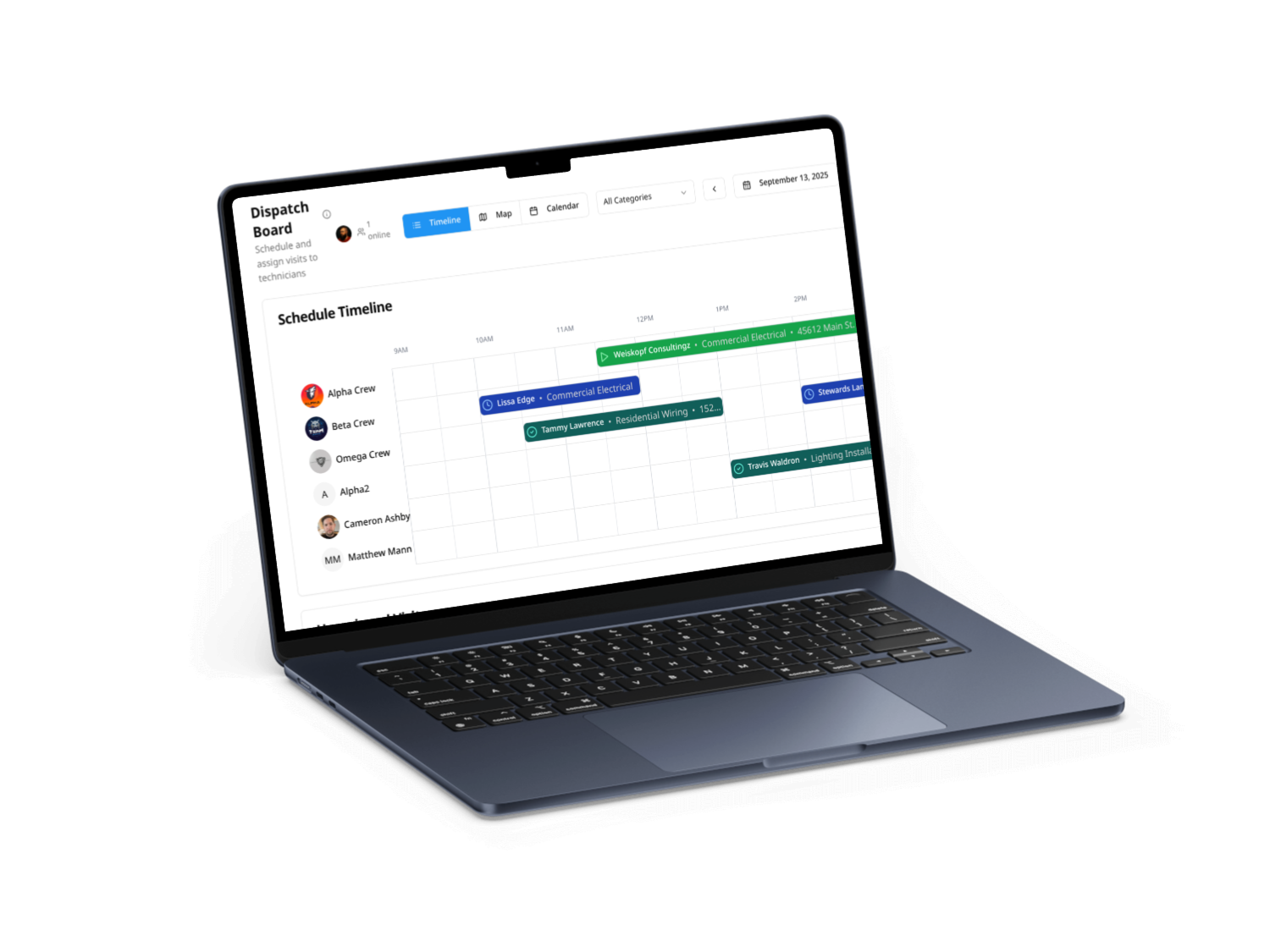
Field service scheduling software replaces whiteboards, spreadsheets, and group texts with a single live calendar your whole team works from. Service Storm gives dispatchers a drag-and-drop board to assign jobs, balance workloads, and react instantly when a call comes in or a tech runs late — while field crews see their day, get turn-by-turn directions, and update job status from a mobile app. The result is fewer missed appointments, less drive time, and more billable jobs completed per day, all without re-keying a single line of data.
The short version
Field service scheduling software is the system of record for who is doing what, where, and when. Service Storm goes further than a calendar: it connects scheduling to dispatch, GPS tracking, route optimization, quoting, invoicing, and payments, so a booked job flows all the way to a paid invoice in one platform.
What is field service scheduling software?
Field service scheduling software is a digital tool that lets service businesses book jobs, assign and dispatch technicians, and track work in real time from one shared system. Instead of a paper calendar or a shared spreadsheet that nobody trusts, the whole company works from a single source of truth: the office sees the full schedule, dispatchers move jobs around as the day shifts, and techs in the field see exactly where to be next. For trades like HVAC, plumbing, electrical, pest control, and landscaping, it is the operational backbone that turns phone calls into completed, invoiced work.
The difference between a basic calendar and true field service scheduling software is integration. A calendar tells you a job exists. Scheduling software knows which tech is closest, what skills the job needs, whether the customer has an open balance, and what to do automatically the moment the appointment is booked, finished, or rescheduled.
Core capabilities to look for
Not all scheduling tools are built for the field. When you are evaluating options, the capabilities that actually move the needle for a service business are:
- Drag-and-drop scheduling and dispatch on one board, so reassigning a job takes a second, not a phone call
- Real-time GPS technician tracking to see where every truck is and dispatch the closest available person
- Route optimization that groups nearby jobs and cuts windshield time across the whole crew
- A mobile app that gives techs their schedule, job notes, customer history, and directions in the field
- Automated customer notifications for confirmations, on-the-way alerts, and arrival windows
- Recurring job and maintenance-agreement scheduling that books itself and reminds customers
- Skills- and territory-based assignment so the right tech with the right parts gets the job
- Quoting, invoicing, and payment built in, so scheduling connects directly to getting paid

How field service scheduling works in Service Storm
Service Storm runs your day from one live board. Here is the typical flow from the moment the phone rings:
- A call or online request comes in and becomes a job with the customer's address, history, and service details attached.
- The dispatcher drags the job onto a technician — or lets Service Storm suggest the best-positioned tech by location, availability, and skill.
- Service Storm optimizes the route so nearby jobs are grouped and drive time is minimized.
- The customer gets an automatic confirmation and an on-the-way notification when the tech departs.
- The technician opens the mobile app, sees the full job context and directions, completes the work, and updates status in real time.
- On site, the tech presents options, captures approval, and the job converts straight to an invoice and payment.
Pro tip
Build your recurring maintenance agreements into the schedule first. Service Storm will auto-generate those visits and remind customers, filling slow days before they happen and turning one-time customers into predictable recurring revenue.
Optimize routes and cut windshield time
Every hour a tech spends driving is an hour they are not billing. Service Storm groups nearby jobs and optimizes daily routes so your team covers more ground in less time, and real-time GPS tracking shows where every tech is so you can slot an urgent call into the nearest available truck. As the day changes — a no-show here, an emergency call there — the schedule adapts instead of falling apart.
The benefits and ROI
Tighter scheduling pays for itself in three ways: more completed jobs per tech per day, fewer revenue-leaking mistakes like missed or double-booked appointments, and faster cash because invoicing happens the moment the job is done. Service businesses that move off manual scheduling consistently report shorter response times, fuller schedules, and far less time spent on the phone coordinating the day.
Manual scheduling vs. Service Storm
| Task | Whiteboard & spreadsheets | Service Storm |
|---|---|---|
| Assign a job | Phone call or text to a tech | Drag onto the board in one second |
| Find the closest tech | Guesswork | Real-time GPS shows you instantly |
| Reschedule | Erase, rewrite, re-notify by hand | Drag to a new slot, customer auto-notified |
| Cut drive time | Manual route planning | Automatic route optimization |
| Turn a job into an invoice | Re-enter everything in another system | One click from the completed job |
| Recurring maintenance | Sticky notes and memory | Auto-scheduled with reminders |
Who it's for
Service Storm is built for field service businesses that send technicians to customer sites — HVAC contractors, plumbers, electricians, pest control operators, landscapers, and general contractors. It scales from a single owner-operator who needs to stop losing jobs to sticky notes, up to multi-crew shops where a dispatcher juggles dozens of jobs and trucks a day.
From scheduled job to paid invoice
Scheduling is only step one. Because Service Storm is an all-in-one field service platform, every scheduled job flows straight into quoting, job tracking, invoicing, and payment — so the work you book turns into cash without re-entering anything. Run your whole business from lead to ledger in one place.
Getting started
You do not need a long implementation project. Import your customers, build your team's schedule, and start dragging jobs onto the board the same day. Most shops run their first live, invoiced job inside the free trial. Book a quick demo to see your own workflow on the board, or start the trial and schedule real jobs today.
See Service Storm scheduling in action
Start a 14-day free trial — no credit card — and watch your dispatch board, routes, and invoicing come together in one platform.
Start free trial
Your whole team, on the same page
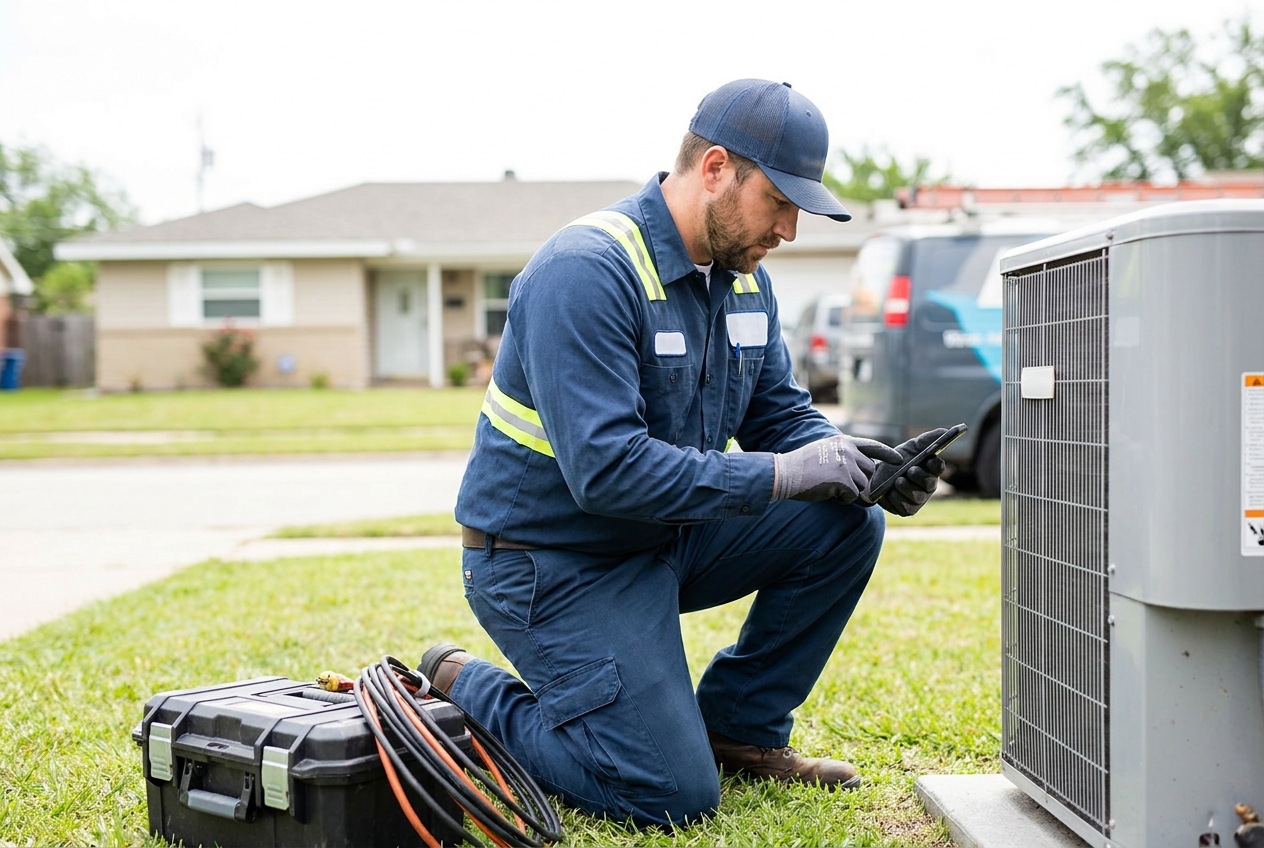
From the first call to the final invoice, Service Storm keeps the office and the field in sync — on any device.
Frequently Asked Questions
Run jobs. Get paid.
Service Storm runs your whole field service business from one platform — lead to ledger.
No credit card required